
Turn a photo into a fuse bead pattern
Upload a photo and Kippadoo turns it into a pattern in Perler bead colours, on one to nine 29×29 pegboards or on a round, hexagon or star board. You see it as finished beads straight away, and print every pegboard at actual size to lay under a clear pegboard.
Make your bead pattern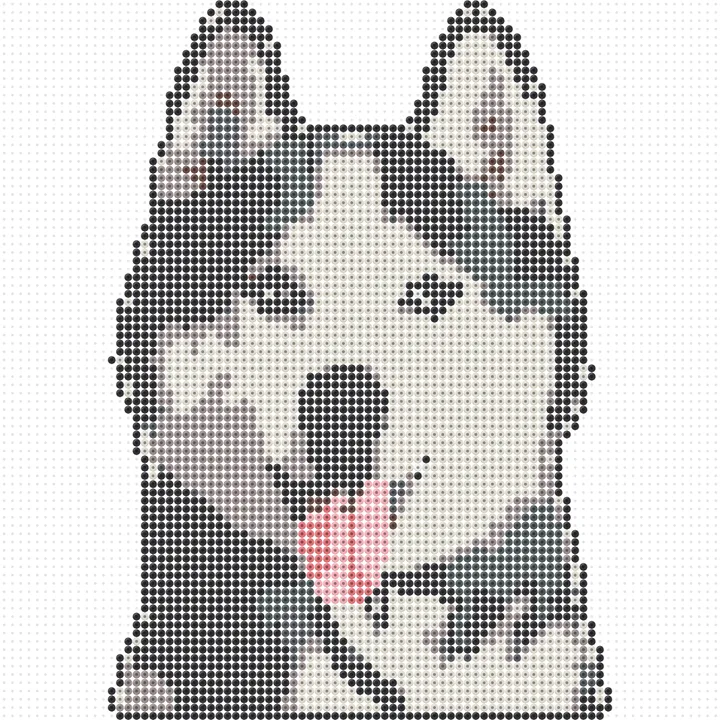
How it works
- 01
Upload your photo. It stays on your device: the pattern is made in your browser.
- 02
Pick how many pegboards and colours. The preview shows the finished beads, and ironed, as you change them.
- 03
Print the pattern: one page per pegboard at actual size, with a ruler to check the print, and a list of every colour and how many beads you need.
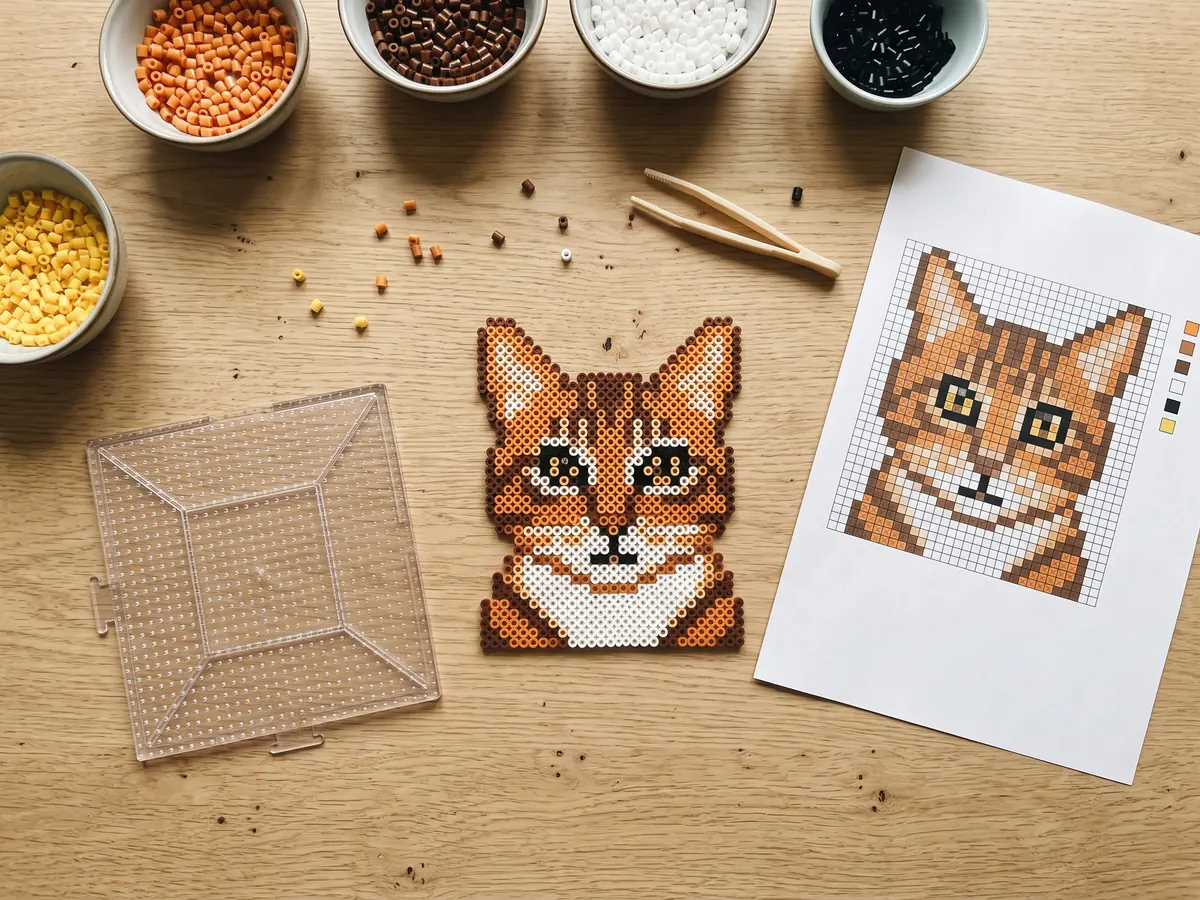
What your pattern holds
- One page per pegboard, printed at actual size
- Perler colour names and codes, and how many beads of each
- Square boards from 1 to 9 pegboards (up to 87 × 87 beads), or a round, hexagon or star board
- An editor to change single beads by hand
Drawing your own pattern is free, and your first photo pattern is free with a free account. Pricing
Questions
Yes. Switch the maker to Hama and the pattern uses Hama colours and codes instead. Both are 5 mm beads on 29×29 pegboards, so the size of the finished piece is the same.
One 29×29 pegboard holds 841 beads and four pegboards (2 × 2) hold 3,364. The colour list in the PDF gives the exact number of each colour; buying about 10% more covers beads that roll away.
Close photos with one clear subject and good light. On one pegboard a face is only about 20 beads wide, so small details disappear; use more pegboards to keep more of them.