
Make a cross-stitch pattern from a photo
Upload a photo and Kippadoo turns it into a cross-stitch chart in DMC floss colours. You see it as finished stitches straight away, choose the size on 14-count Aida, and print the chart with a symbol for every colour and how many stitches of each you need.
Make your cross-stitch pattern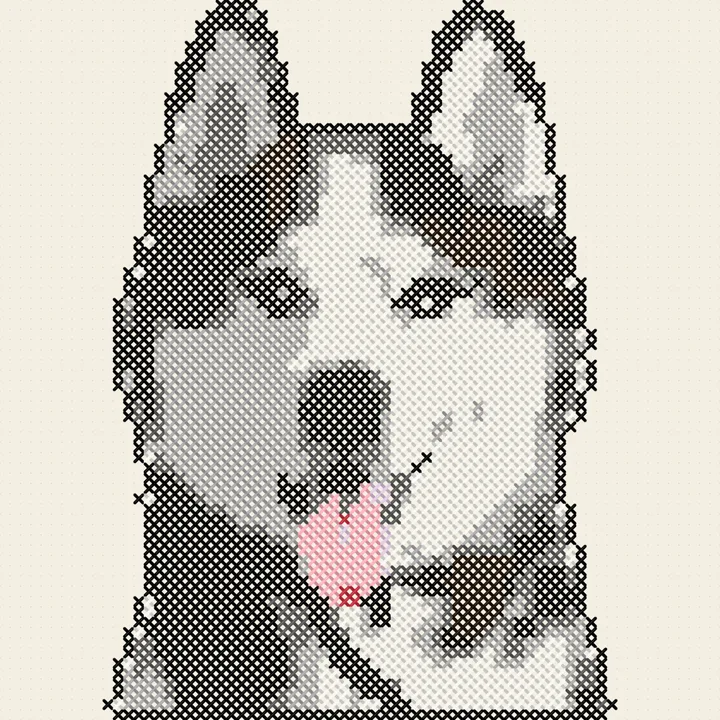
How it works
- 01
Upload your photo. It stays on your device: the pattern is made in your browser.
- 02
Pick the size and how many colours. The preview shows the finished stitches as you change them.
- 03
Print the chart: symbols, row and column numbers with a heavy line every 10 stitches, and a list of DMC colours with stitch counts.
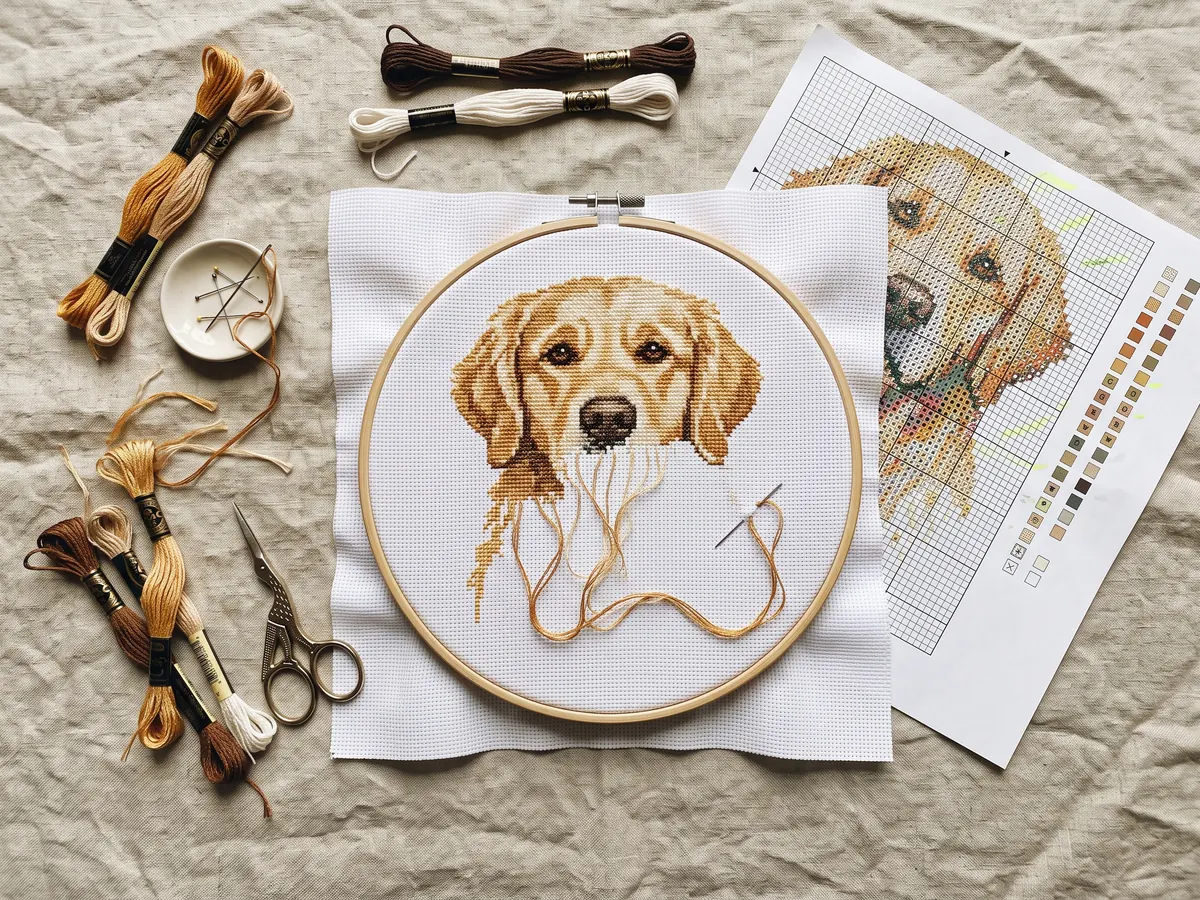
What your pattern holds
- A chart with a symbol for every colour, in pages of 40 × 50 stitches
- DMC floss numbers and about how many skeins of each
- The finished size in centimetres on 14-count Aida
- An editor to change single stitches by hand
Drawing your own pattern is free, and your first photo pattern is free with a free account. Pricing
Questions
The chart works on any count: it counts stitches, not centimetres. Kippadoo shows the finished size on 14-count Aida, which has about 5.5 stitches per cm; on 11-count the same chart comes out bigger, on 18-count smaller.
The colour list shows how many stitches each DMC colour has, and the maker estimates about 1,600 stitches per skein at two strands on 14-count Aida. A colour with only a few stitches still needs one skein.
Yes. Every colour in the chart is a DMC stranded cotton number, so you can buy the floss in any shop that sells DMC.