
Turn a photo into a LEGO DOTS mosaic
Upload a photo and Kippadoo turns it into a LEGO DOTS mosaic on 16×16 plates. You see the finished tiles straight away, and print each plate with every tile colour and how many you need.
Make your LEGO DOTS pattern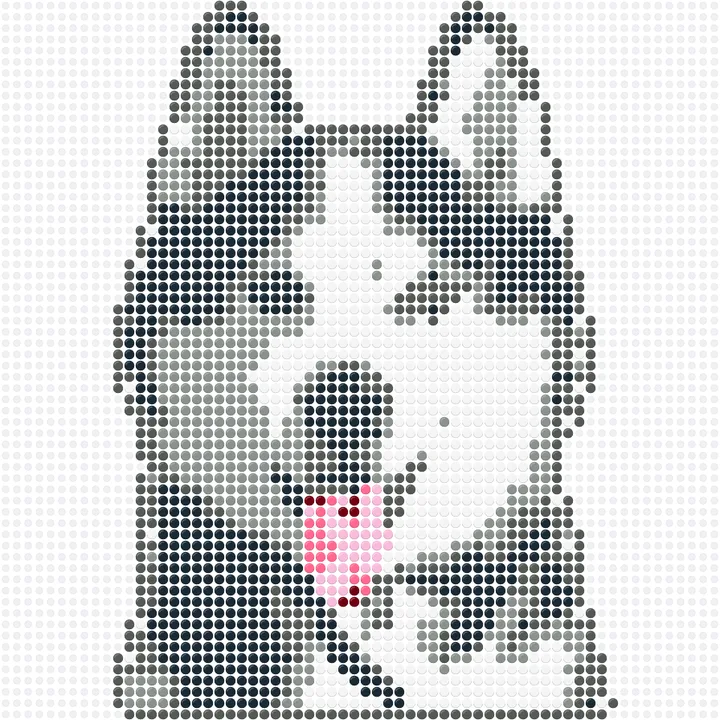
How it works
- 01
Upload your photo. It stays on your device: the pattern is made in your browser.
- 02
Pick how many plates and colours. The preview shows the finished tiles as you change them.
- 03
Print the pattern: one page per 16×16 plate, and a list of every tile colour with counts.
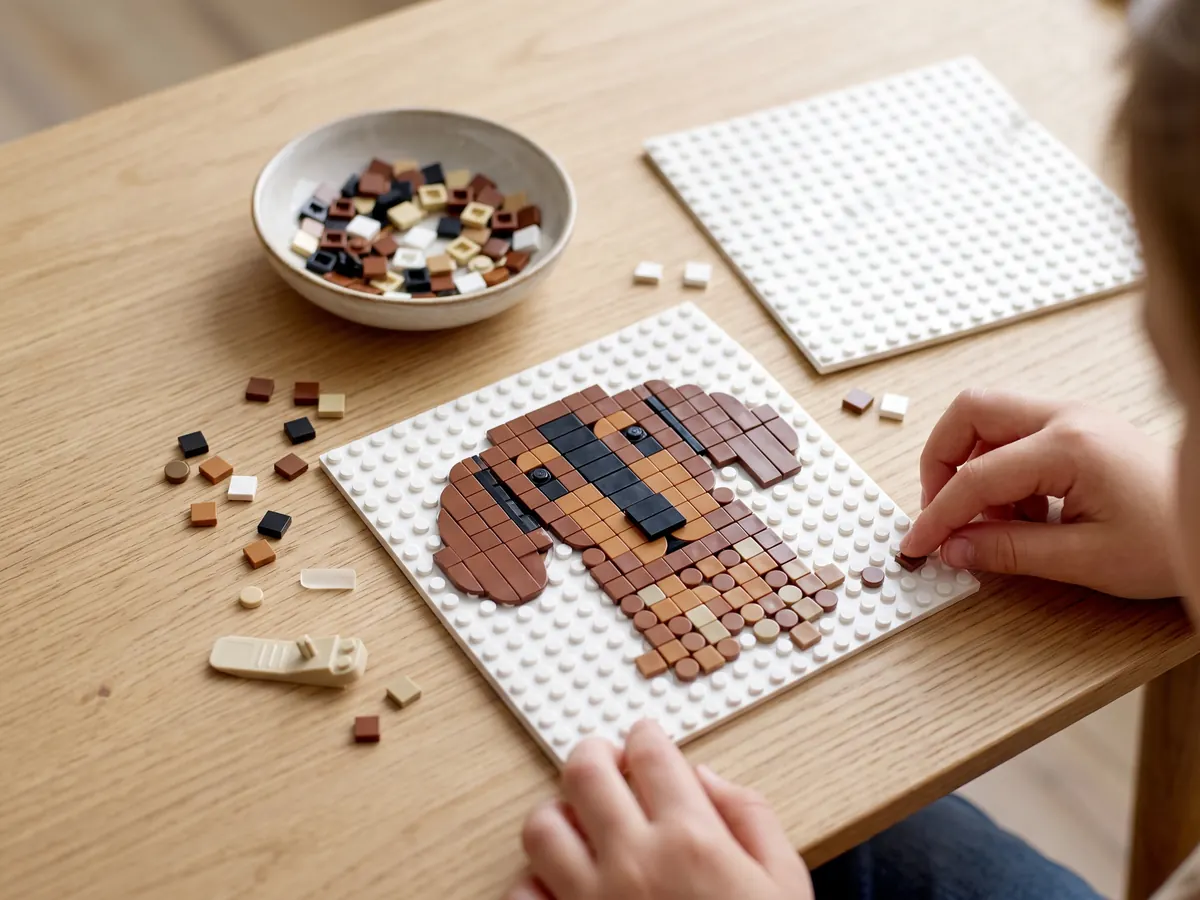
What your pattern holds
- One page per 16×16 plate
- LEGO colour names and how many tiles of each
- Mosaics across several plates
- An editor to change single tiles by hand
Drawing your own pattern is free, and your first photo pattern is free with a free account. Pricing
Questions
16×16 plates and 1×1 tiles. Each plate prints on its own, with every tile colour and how many tiles you need.
From one plate (16 × 16 tiles) up to 6 × 6 plates (96 × 96 tiles). More plates keep more of the photo.
No. LEGO and LEGO DOTS are trademarks of the LEGO Group, and Kippadoo is not connected to or endorsed by it. The pattern uses the plate and tile sizes, so you can build it with the parts you have.