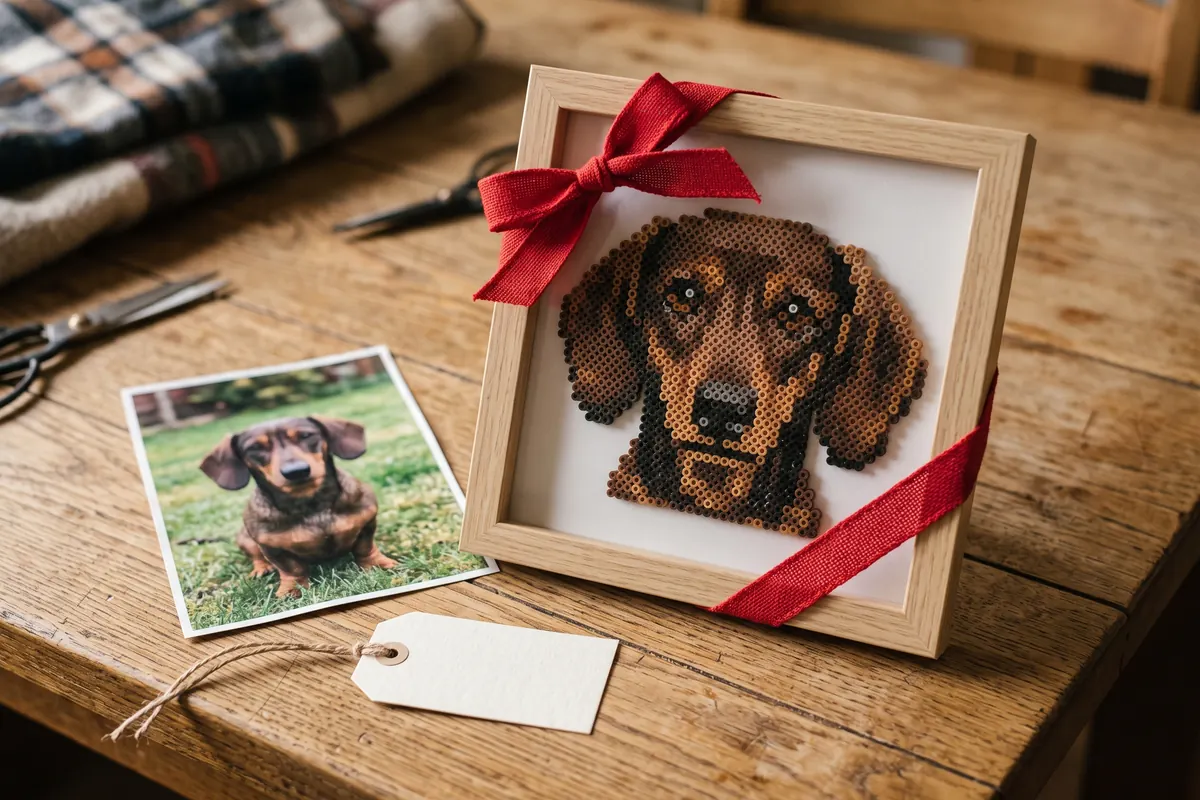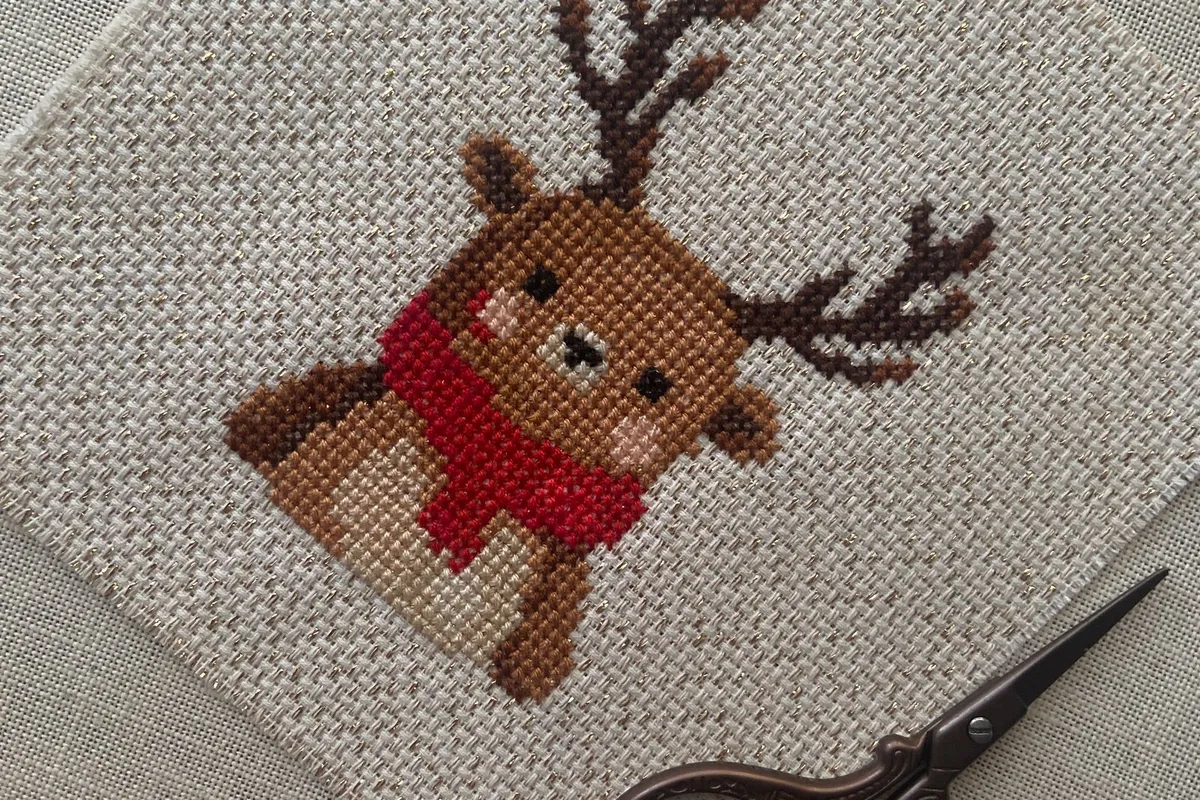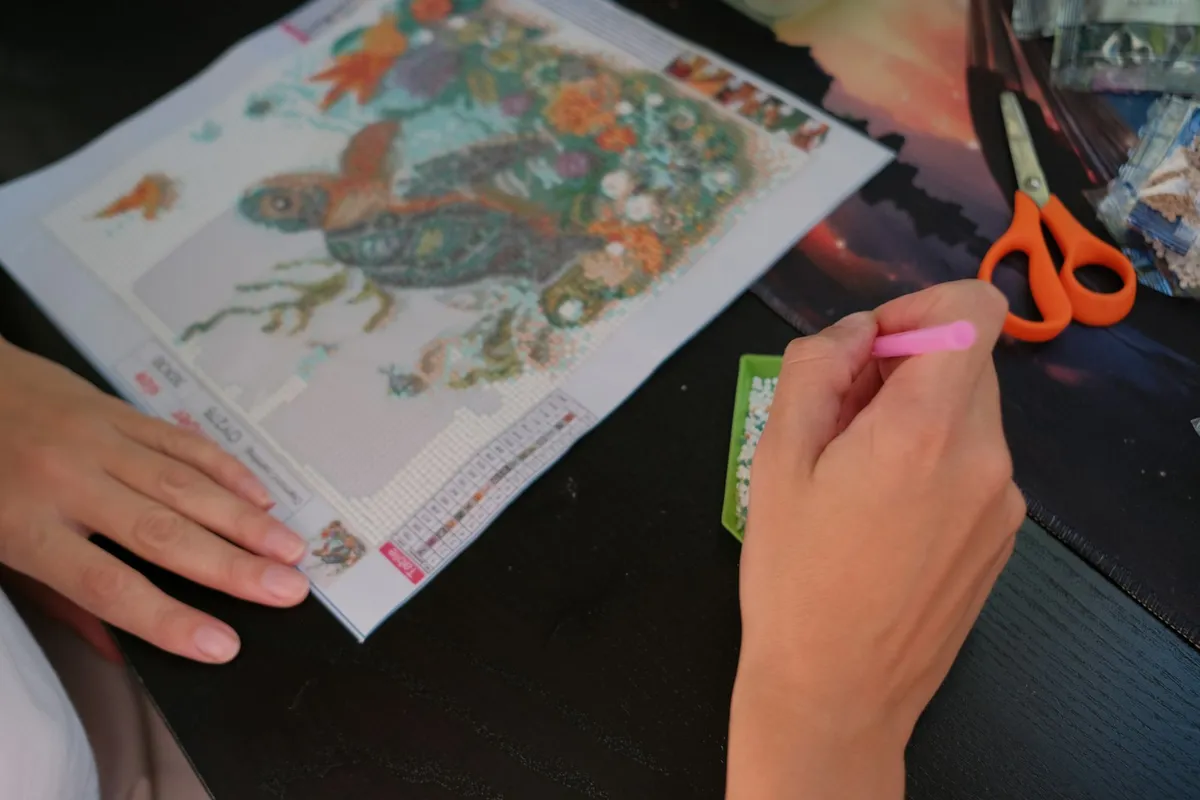
How to choose a photo for a bead, cross-stitch or diamond painting pattern
A pattern has far fewer cells than your photo has pixels, so only big shapes and strong contrasts make it through. Here is how many cells each craft gives you, what to look for in a photo, which photos tend to disappoint, and what to do when the first try doesn't work.
Updated 28 October 2026
Why some photos work and others don't
Every pattern is a grid. Each cell is one bead, one stitch or one drill, and each cell has exactly one colour. When a photo becomes a pattern, a whole block of pixels is squeezed into a single cell. Take a photo that is 4,000 pixels wide and put it on one 29 × 29 fuse bead board: every bead stands for a block of roughly 140 by 140 pixels. Whatever happens inside that block, a freckle, a whisker, the shine in an eye, ends up as one average colour.
That is the whole secret. The question is not whether a photo is beautiful, but whether it still makes sense at a very low resolution. Big shapes and strong contrasts survive. Fine detail and subtle shading do not.
How much detail can a pattern hold?
A pattern holds only as much detail as it has cells across, and that number differs a lot per craft and per size:
- Fuse beads, 1 board: 29 beads across. A face that fills the board is about 20 beads wide, so an eye gets only a few beads.
- Fuse beads, 2 × 2 boards: 58 beads across. Enough for a face with recognisable features.
- Fuse beads, 3 × 3 boards: 87 beads across. The most detail you can get in beads in Kippadoo.
- Cross-stitch: up to 220 stitches across in Kippadoo. On 14-count Aida (about 5.5 stitches per cm) that is about 40 cm wide.
- Diamond painting: with 2.5 mm drills there are 4 drills per cm. A piece 40 cm on the long side is 160 drills; 60 cm is 240 drills.
- LEGO DOTS: 16 × 16 tiles per plate, so a single plate is coarser than one fuse bead board.
So a photo that is fine for a 60 cm diamond painting can be too busy for a single bead board. If you plan a small piece, be stricter about the photo.
The checklist
The subject fills the frame
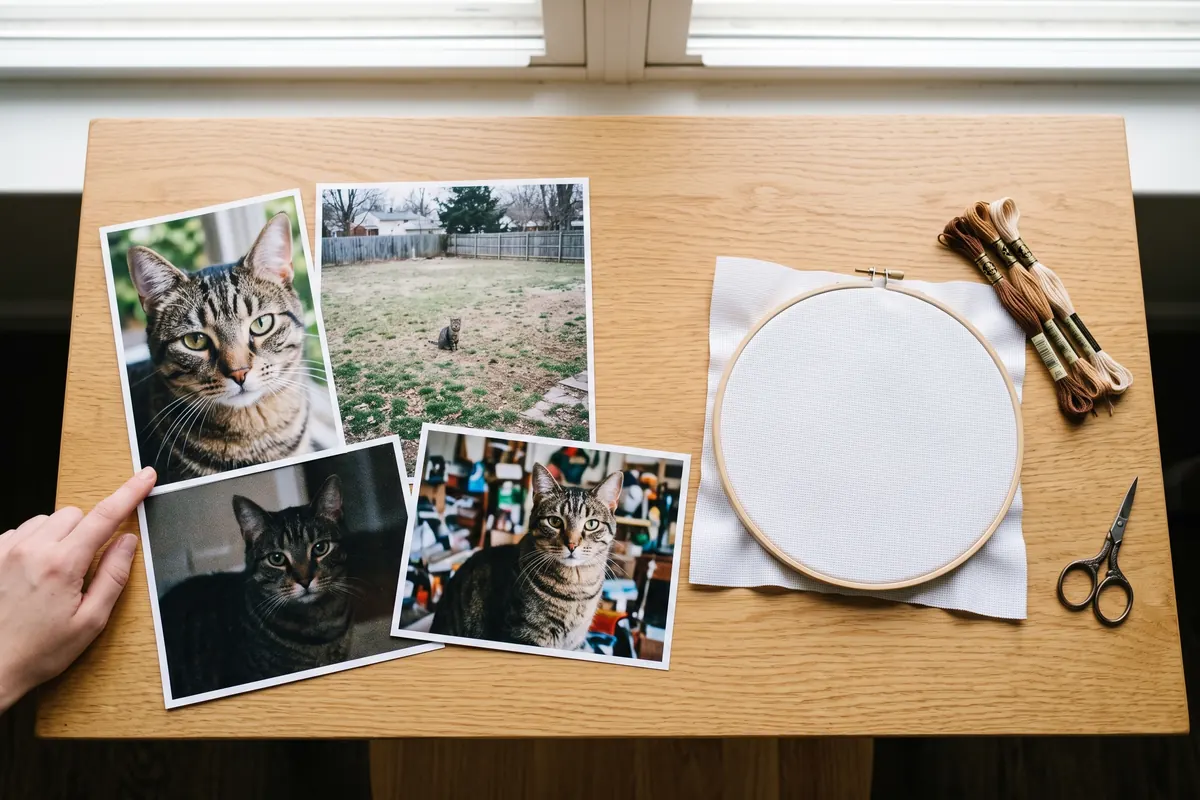
Cells spent on background are cells taken away from the subject. Crop close: for a portrait, the head and a little of the shoulders; for a pet, the head or the whole animal, with little around it. A cat that fills a third of the photo gets a third of the cells.
Sharp focus
Blur doesn't get sharper when it becomes a grid. A slightly soft photo turns the edges between colours into extra in-between shades, and those turn into scattered cells. Zoom in on the eyes: if they are sharp, the photo is usually sharp enough.
Even light
Soft daylight is the easiest. Harsh sun gives black shadows under the nose and eyes that become large dark patches in the pattern. Flash flattens a face and often gives pets glowing eyes. A face that is half bright and half in deep shadow turns into two halves of different colours.
Contrast between subject and background
The subject should stand out by being lighter or darker than what is behind it, not only by being a different colour. A dark dog on a light floor works. A grey cat on a grey blanket merges into one area.
A simple background
A plain wall, sky or lawn is easy. Shelves, toys or patterned wallpaper behind the subject cost colours and fill the pattern with noise. Kippadoo removes the background automatically, which helps a lot, but it works best when the subject and the background are clearly different. You can switch the removal off if you want to keep the background.
Eyes visible
For people and animals, the eyes are what makes the pattern recognisable. Pick a photo where both eyes are open and visible, ideally looking at the camera. Sunglasses, a cap that shades the face or a pet looking away all make the result harder to read.
Fewer colours
A pattern can only use a limited number of colours, and on small pieces Kippadoo keeps that number low on purpose: about 6 colours on one board, 9 on 2 × 2 and 11 on 3 × 3. You can add more with the detail slider. A photo with a few clear colour areas, such as a red jumper, dark hair and a light face, translates well. A photo full of colourful small things does not.
Photos that often disappoint
- Pale on pale. A golden dog on a light sofa, a blond child against a white wall. With few colours, the subject and the background end up in the same shades and the result looks flat.
- Dark animals in dim light. A black cat or dog becomes one dark shape unless some light falls on the face. Look for a photo where you can see the eyes and the shape of the nose.
- Group photos. On 2 × 2 boards, five people side by side share 58 beads, so each face gets only a handful. A group works better as a large cross-stitch or diamond painting, or as one person per pattern.
- A small subject far away. A child on a beach or a dog in a field. Even after cropping there are not enough pixels left for detail.
- Backlit photos. A subject in front of a bright window becomes a dark silhouette. That can be nice as a shape, but the face is lost.
Taking a new photo with your phone
Sometimes the quickest fix is a new photo made for the purpose. A few things help:
- Use daylight near a window. Stand with the window to the side of the subject, not behind it. Turn the flash off.
- Move closer instead of zooming. Digital zoom only enlarges pixels. Walking closer gives a sharper photo with more real detail.
- Portrait mode is fine. The blurred background it adds makes the subject stand out, and a smooth background is exactly what a pattern needs.
- Get down to eye level for children and pets. A photo taken from above shows mostly the top of the head.
- Take several. Pets and children move. Out of ten photos, pick the one where the eyes are sharp and open.
What to do when a photo doesn't work
- 1Crop tighter. This is the first thing to try. More of the grid goes to the subject, and often that is enough.
- 2Choose a bigger size. More boards, more stitches or more centimetres give more cells. Going from 1 board to 2 × 2 doubles the beads across.
- 3Pick a different photo. If the light, the focus or the contrast is off, no setting can bring back what isn't in the photo.
- 4Fix single cells in the editor. Kippadoo's editor shows the photo faintly under the grid, so you can change one cell at a time: a missing highlight in an eye, a stray cell in the background, a mouth that needs one darker bead.
Why won't my iPhone photo open?
iPhones often save photos as HEIC, a format that not every browser can open. If the photo doesn't load, save it as a JPG instead. To make the iPhone save new photos as JPG, go to Settings, Camera, Formats and choose Most Compatible (Apple's instructions). Kippadoo reads JPG, PNG, WebP and GIF.
Try several photos in Kippadoo
In the maker you see the finished look before you download or pay, so trying three or four photos costs nothing. Kippadoo can frame a face automatically, removes the background and picks the colours: Hama or Perler colours for fuse beads, DMC floss for cross-stitch, DMC colours for diamond painting and LEGO DOTS on 16 × 16 plates. Your photo stays on your device: the pattern is made in your browser.
Your first photo pattern is free with a free account. After that, one more pattern is €1.99, or Plus is €6.99 a month. For more on a specific craft, see a cross-stitch pattern from a photo and a diamond painting from your own photo.
Sources
- Apple Support, Using HEIF or HEVC media on Apple devices: Settings, Camera, Formats, Most Compatible saves new photos as JPEG.
- Hama, Midi pegboard large square: 841 pegs, the 29 × 29 board the bead counts are based on.
- NIST, Guide to the SI, Appendix B.8: 1 inch = 2.54 cm, used to turn a fabric count into stitches per centimetre.
Questions
A subject that fills the frame, sharp focus, even light and a clear difference in brightness between the subject and the background. Fine detail disappears, so the photo has to work at a low resolution.
It works best large. On a single fuse bead board each face gets only a few beads. For a group, choose a big cross-stitch or diamond painting, or make one pattern per person.
It can, if some light falls on the face so the eyes and nose are visible. In a dim photo a black animal becomes one dark shape. Daylight from a window to the side helps.
It helps. Kippadoo removes the background automatically, and that works best when the subject clearly stands out from what is behind it.
It may be a HEIC file that your browser can't open. Save it as a JPG, or set the iPhone to Settings, Camera, Formats, Most Compatible. Kippadoo reads JPG, PNG, WebP and GIF.